Power BI Health Check
Maximize Performance, Security, and Compliance
Maximize Performance, Security, and Compliance
Our comprehensive assessment examines your Power BI implementation to identify improvement areas, optimize performance, and align analytics with your governance and business goals.
Many organizations struggle with data security vulnerabilities, governance gaps, and inefficiencies in their Power BI environments. These issues can lead to compliance risks, wasted resources, and diminished analytics value.
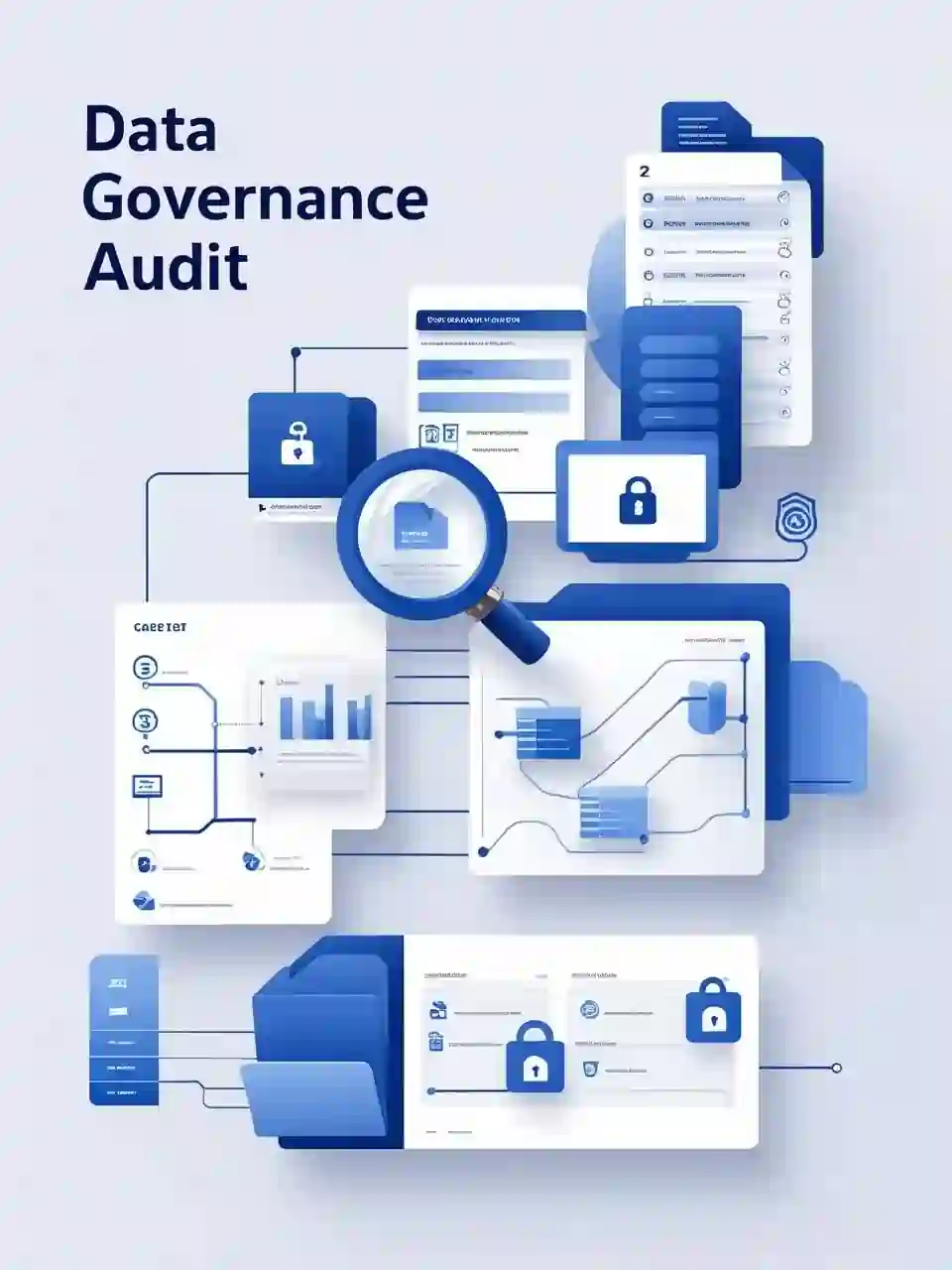
Our Power BI Health Check identifies potential risks and inefficiencies across key areas including:
By uncovering hidden issues, our assessment helps ensure your Power BI environment remains secure, optimized, and effectively utilized across your organization.


We identify unapproved data sources that may pose security risks to your organization. Unvetted connections can create vulnerabilities through unsecured access points or questionable data quality, potentially compromising your entire analytics ecosystem.

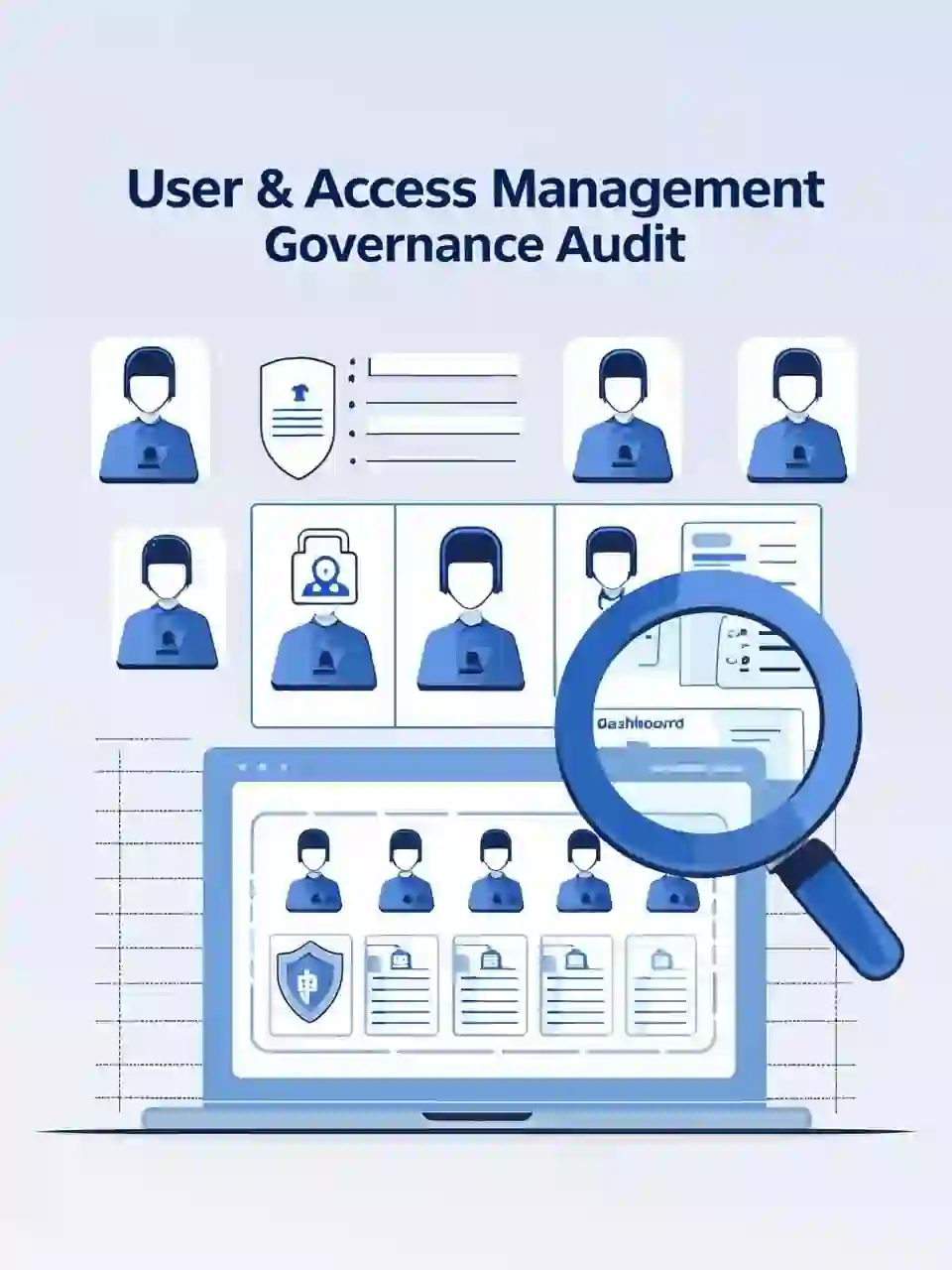
Our comprehensive review discovers exactly who has access to personal or confidential data within your Power BI environment. This assessment is crucial for maintaining compliance with privacy regulations like GDPR and CCPA while protecting your most sensitive information.

We thoroughly assess admin roles and permissions to help strengthen governance. This review identifies excessive privileges, inconsistent access patterns, and potential security gaps that could lead to data leakage or unauthorized modifications.
We identify redundant data sources and potential inefficiencies in your environment. This review helps eliminate duplicate datasets, reduce refresh conflicts, and optimize resource usage across your Power BI implementation.
Our assessment discovers isolated datasets that may limit collaboration and create inconsistent reporting. Breaking down these silos helps improve data consistency, reduces maintenance overhead, and enhances cross-departmental insights.
Our analysis provides clear visibility into how data and reports are shared across your organization. We examine sharing patterns to identify potential governance gaps, inappropriate access, and opportunities to improve collaboration while maintaining control.

We identify outdated or unused reports that consume valuable resources and create maintenance overhead. This review helps streamline your Power BI environment by highlighting reports that should be archived, updated, or consolidated.

Our analysis examines scheduled refresh patterns to help maintain efficiency. We identify optimization opportunities by reviewing refresh frequencies, timing conflicts, and processing demands that may impact system performance.

We detect recurring report failures to enable better troubleshooting. This monitoring helps identify common failure patterns, data connection issues, and performance bottlenecks that affect report reliability and user experience.
We identify unused Power BI licenses for cost optimization. This detection helps recover wasted license expenses, improve license allocation, and establish better onboarding/offboarding procedures for analytics users.
Our assessment detects abandoned workspaces for better resource management. These orphaned areas often contain forgotten reports and datasets that consume premium capacity, create governance gaps, and complicate your Power BI environment.
Our comprehensive review of access controls identifies potential security risks and governance gaps. We examine role assignments, permission inheritance, and access patterns to ensure appropriate data access and maintain separation of duties.

Detailed analysis of unauthorized datasets, workspace administrators, user-based workspace access, and potential security vulnerabilities. These reports help identify immediate compliance risks and security gaps requiring attention.
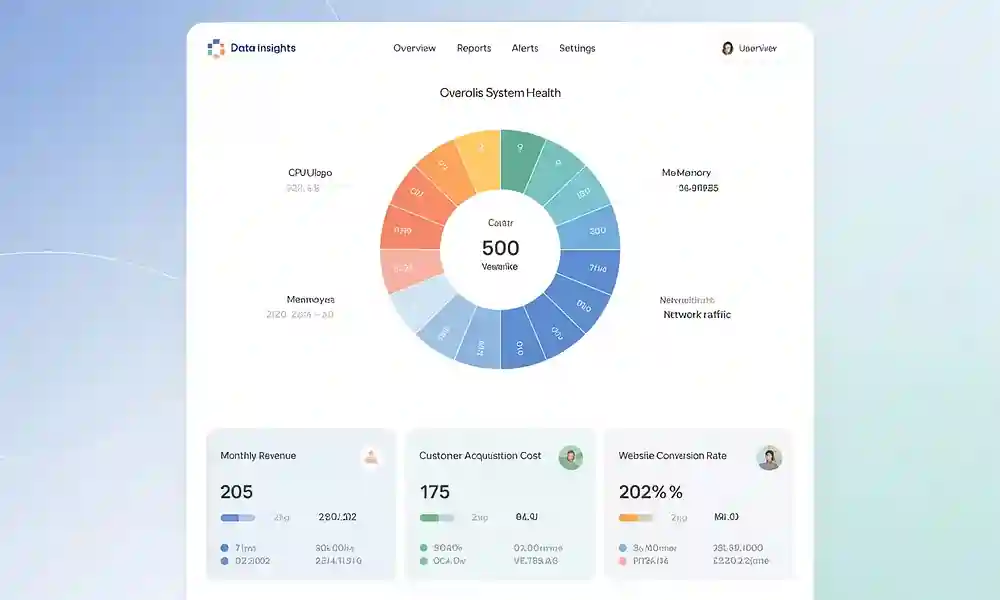
Comprehensive view of failed reports, disabled components, stale content, scheduled refreshes, and dataset performance. These insights help optimize system performance and establish better maintenance practices.
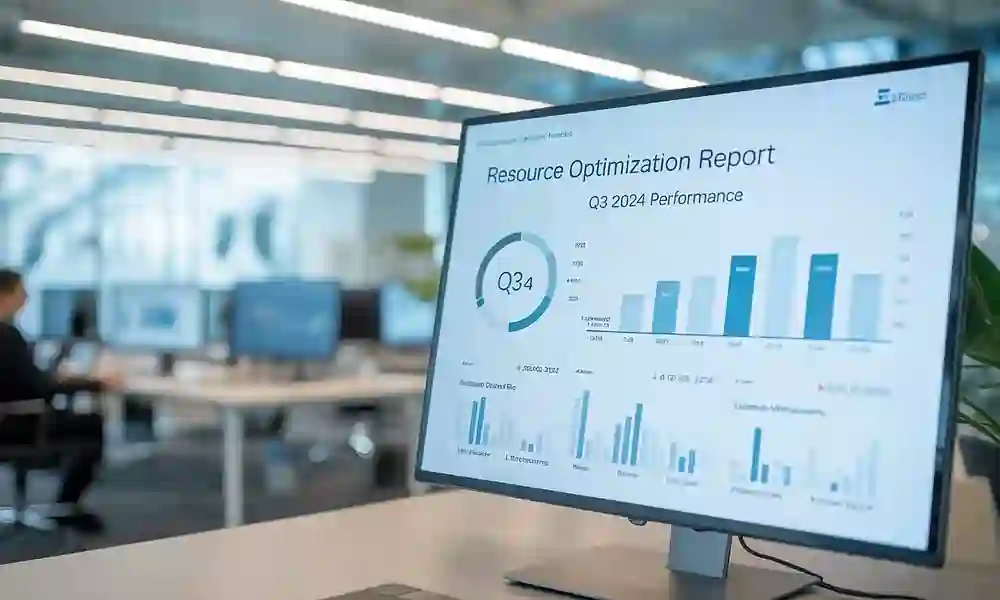
Detailed inventory of workspaces, unused licenses, optimization candidates, duplicate reports, and orphan workspaces. These reports help identify immediate cost-saving opportunities and resource reclamation possibilities.
Our goal is to provide actionable insights that enhance your Power BI governance and performance. After completing our 2-4 day assessment, we’ll deliver a comprehensive report of findings and recommendations.
If you find our assessment valuable, we can assist in resolving identified issues and implementing optimization strategies to strengthen compliance, security, and performance across your Power BI environment.

Don’t just take our word for it. Hear from industry leaders who have transformed their Power BI environments with our monitoring solutions.
”With Technology Cue's Power BI Monitoring Services, we've significantly reduced downtime and improved the reliability of our reports, keeping our operations running smoothly.
Sarah Thompson, CIOGreenTech Solutions
”The included technical development hours were a bonus—we used them for data engineering activities and to build custom dashboards that enhanced our data storytelling.
David RodriguezOperations Director FinSecure
Our clients report high satisfaction with monitoring services
Average reduction in report failures and downtime
Faster report load times after optimization
Get answers to the most common questions about our Power BI monitoring services.
Our monitoring system provides real-time alerts, detecting issues as they occur. You'll receive immediate notifications when failures happen, allowing for rapid response and minimal disruption to your operations.
Yes! We tailor our monitoring solutions to meet the specific needs of your industry, whether you're in oil and gas, retail, mining, fintech, automotive services, or payroll and accounting.
Our service includes daily monitoring, automated alerts, performance optimization, data lineage tracking, dependency analysis, and technical development hours for custom dashboards and data engineering activities.
Our monitoring tool seamlessly integrates with your existing Power BI environment through a unified platform. The setup process is straightforward, and our team provides full support during implementation to ensure smooth integration with minimal disruption.
If our standard Power BI Monitoring service packages don't fully meet your needs, we can tailor and implement a custom Power BI Monitoring Solution specifically designed for your environment and requirements.
We use business value analysis and impact assessment to prioritize issues based on their criticality to your operations. This ensures that the most important problems are addressed first, minimizing business impact.