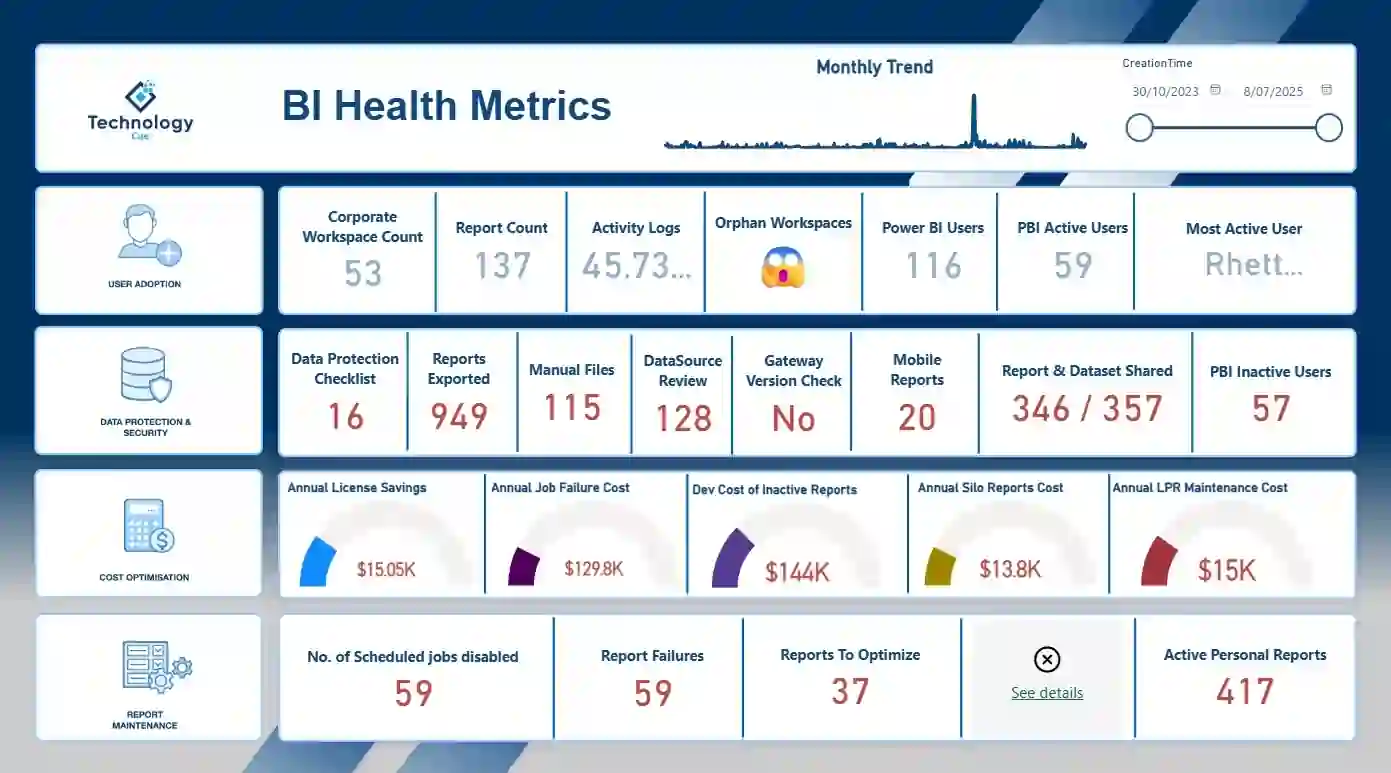
Power BI Health Metrics
Forge Your Competitive Edge with Smart BI Ecosystems
Forge Your Competitive Edge with Smart BI Ecosystems
Our BI Health Metrics tool provides real-time monitoring of your business intelligence systems, ensuring peak performance, security, and data accuracy across your entire Power BI environment.
Power BI’s out-of-the-box usage reports have critical limitations that prevent organizations from maximizing their BI investment:
Our solution bridges these gaps by providing cross-workspace visibility, historical trending, and enterprise-wide usage patterns that standard Power BI reporting can’t deliver.

Unlike Power BI’s workspace-specific reports, our toolkit provides a unified view across all workspaces, giving administrators complete visibility into how Power BI is being utilized throughout the organization.
Move beyond the 30-day limitation of standard reports. Our solution captures and preserves historical usage data, enabling long-term trend analysis essential for strategic planning and resource allocation.

Identify both underutilization and overuse of expensive premium features to ensure you’re maximizing your Power BI investment while avoiding performance bottlenecks.
Our tailored solution helps organizations track and analyse critical health metrics across their entire Power BI ecosystem, enabling data-driven decisions about resource allocation and strategic investments.
Identify potential license savings by spotting inactive Pro users and redundant reports. Our customers typically discover 15-20% cost reduction opportunities within the first month of implementation.
Automatically flag development costs of inactive reports, helping your organization prune unnecessary expenses and focus resources on high-value analytics that drive business outcomes.
Our comprehensive data protection checklist ensures your Power BI environment adheres to organizational policies and external regulations, critical for businesses in regulated industries.
Get detailed insights into workspace access permissions, identifying who has access to sensitive data and whether appropriate controls are in place to maintain data governance standards.
Our tool automatically pulls data daily using Power BI Admin REST APIs, storing it systematically in an SQL database. This enables historical tracking and trend analysis without manual intervention.

Data specialists can focus on value-adding activities instead of developing and maintaining custom ETL procedures. This allows your team to concentrate on enhancing customer service and product performance.

The system scales automatically to handle increasing loads, ingesting data as quickly as source APIs allow and loading it at the destination API’s maximum speed, maintaining consistent pipeline performance.
Our powerful analytics engine transforms raw usage data into strategic insights that drive better decision-making and operational efficiency.

Automated daily retrieval from Power BI Admin APIs with comprehensive workspace data stored in SQL databases.

Slice data by reports, browsers, consumption types, geographic location, and user behaviors.

Receive automated recommendations for optimization, cleanup, and efficiency improvements.

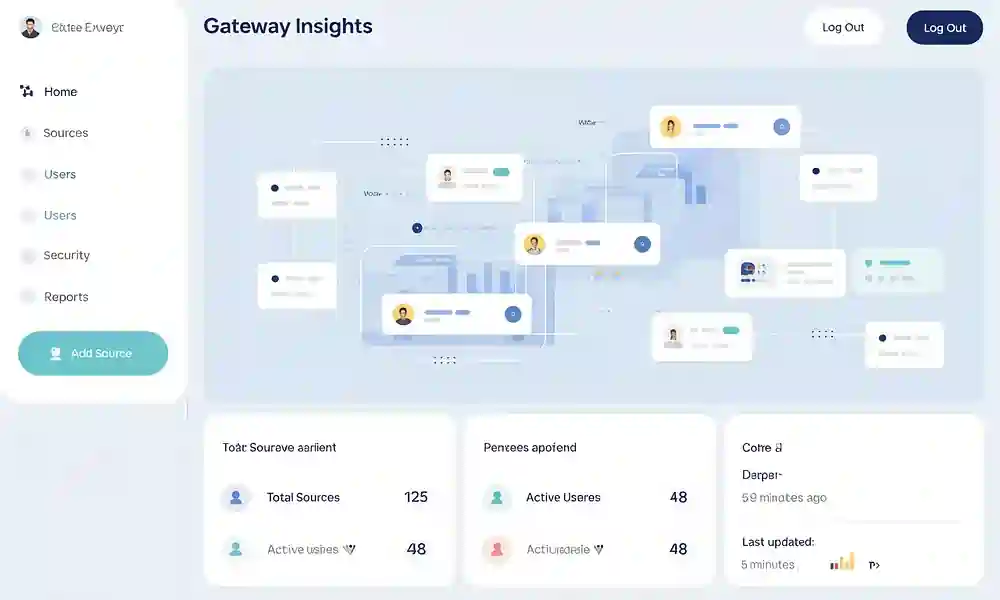
Gain visibility into gateway configurations, available data sources, and user access, ensuring secure data flow and compliance with governance policies.
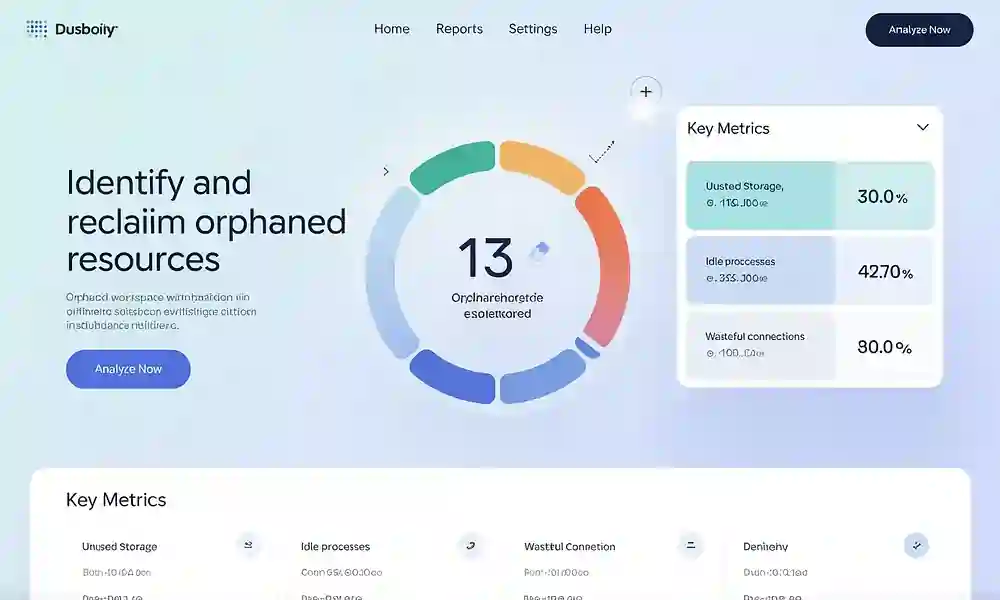
Automatically identify abandoned workspaces and inactive users, streamlining your environment and improving resource allocation.
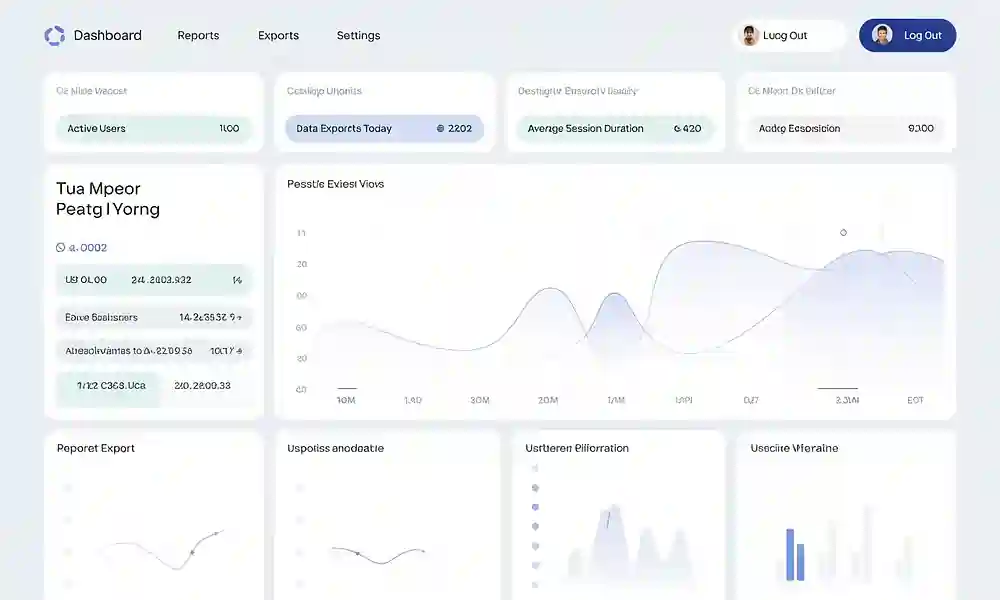
Track specific Power BI function usage including exports, Excel analysis, downloads, and edits to understand engagement patterns and guide training initiatives.
Typical reduction in Power BI licensing and operational costs
Percentage of customers reporting better data security and compliance
Speed increase in identifying and resolving Power BI performance issues
The BI Health Metrics toolkit provides comprehensive visibility into your Power BI ecosystem that standard reports simply can’t match. By implementing our solution, you’ll gain actionable insights that enhance data governance, optimize costs, and improve overall business intelligence performance.
Our customers typically see ROI within the first month through license optimization alone, with continued benefits from improved report utilization and streamlined workflows.
Get answers to the most common questions about our Power BI Health Metrics.
Highlights datasets using unapproved data sources that bypass Power BI Gateway.
Lists inactive users who haven’t logged in for a month, helping optimize license costs.
Provides a detailed inventory of all published Power BI reports, their workspaces, and creators.
Tracks Power BI reports shared from personal workspaces.
Lists all workspace admins to help manage access control.
Identifies workspaces using individual users instead of Active Directory groups.